
Tuesday, January 13, 2026
No Result
View All Result
Cryptocurrency in Gaming
  • Home
  • Play-To-Earn
  • Gaming Coins
  • NFT
  • Wallets
  • Gaming Token
  • Gaming News
  • Blog
Cryptocurrency in Gaming
  • Home
  • Play-To-Earn
  • Gaming Coins
  • NFT
  • Wallets
  • Gaming Token
  • Gaming News
  • Blog
No Result
View All Result
Cryptocurrency in Gaming
No Result
View All Result
Home Blog

BitPay Now Accepts 100+ Cryptocurrencies + An Updated Payment Experience

BitPay Now Accepts 100+ Cryptocurrencies + An Updated Payment Experience
0
SHARES
7
VIEWS
Share on FacebookShare on Twitter


BitPay is constantly looking for new ways to make your crypto payment experiences better. Today, we’re excited to share new improvements to the BitPay invoice system, allowing for a more seamless, refined payment experience for our customers and merchants. Additionally, we’re adding support for a whole new swath of cryptocurrencies, giving you more power in the way you spend.

What’s new?

Support for 100+ assets

We’re happy to announce that the new BitPay invoice system supports payments made with more than 100 of the top coins and tokens. See the full list of supported coins and tokens here.

Simplified payment UI

A new simpler invoice design makes the payment process more intuitive.

WalletConnect 2.0

Connect your wallet for a more seamless payment experience. 

Asset and balance detection

Now, we’ll automatically display the assets and balance held within your wallet, making it easier to choose between payment methods.

Dark mode

Your invoice window will match your system’s display settings.

Pay invoice in the BitPay app

If you’re using the BitPay Wallet to pay invoices, you can send the invoice directly to the wallet app and finalize the transaction from your device.

How to easily pay a BitPay crypto invoice

The BitPay payment experience is safe, intuitive, and flexible.

Step 1: At checkout, select BitPay as your payment method.

BitPay is the safest and most secure way to pay online.

Step 2: Select Begin Payment.

Depending on the merchant you are paying or the transaction amount, you may be prompted to verify for BitPay ID. Don’t have a BitPay ID? Sign up to get started. BitPay ID is a simple way to manage your payments information with BitPay and simplify logins for multiple BitPay products. All that is required is an email and password. The one-time verification requirement is for people making BitPay merchant or prepaid payments of $3,000+, initiating refund requests for amounts of $1000+, or receiving BitPay payouts.

Step 3: Select your wallet.

BitPay supports over 100 of the most popular cryptocurrency wallets, including all wallets supported by Wallet Connect 2.0.

Step 4: Select your cryptocurrency.

Once you’ve connected your wallet, BitPay will automatically display available assets that can be used to pay a BitPay invoice. BitPay supports payments with over 100 of the most popular cryptocurrencies. Don’t see your preferred coin or token? Either BitPay hasn’t added support for that asset, or the merchant has chosen not to accept it.

Step 5: Pay the invoice

If using the BitPay Wallet to make a payment, you can choose to select “Pay in Wallet”. An invoice will be generated in your Wallet app from which you can complete the payment. Alternatively, scan the QR code with your wallet app or input the merchant’s receiving wallet info manually into your wallet to complete the transaction.You’ll see the payment reflected on the invoice instantly once you validate the payment in your wallet. Remember to send your payment during the 15-minute payment window.

Multiple ways to pay

Living your life on crypto has never been easier. Our customers have multiple options when it comes to spending crypto, including buying large-ticket items and everyday necessities with crypto.

Pay merchants directly from your wallet

Visit the BitPay Directory for a curated list of merchants that accept cryptocurrency payments straight from your wallet. 

BitPay Bill Pay
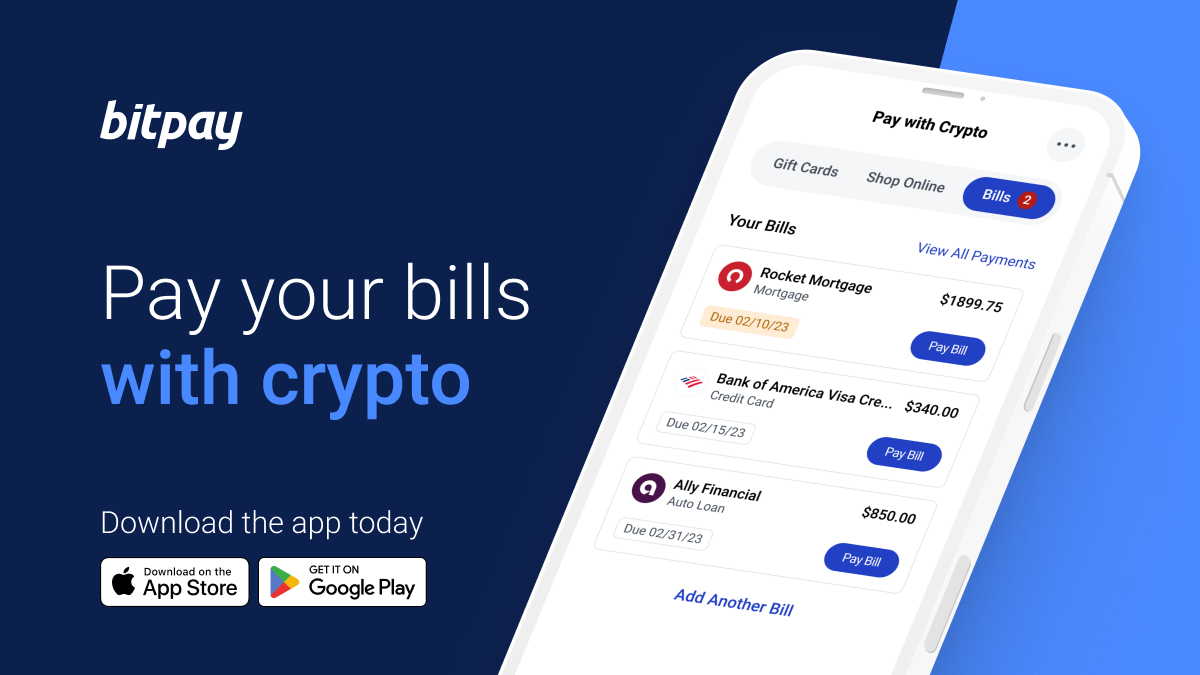
Pay practically any bill using cryptocurrency with BitPay Bill Pay. From credit cards and car payments, to mortgages and student loans – bridge the gap between traditional finance and cryptocurrency without offramping. Read more about paying bills with crypto.

Crypto-funded gift cards
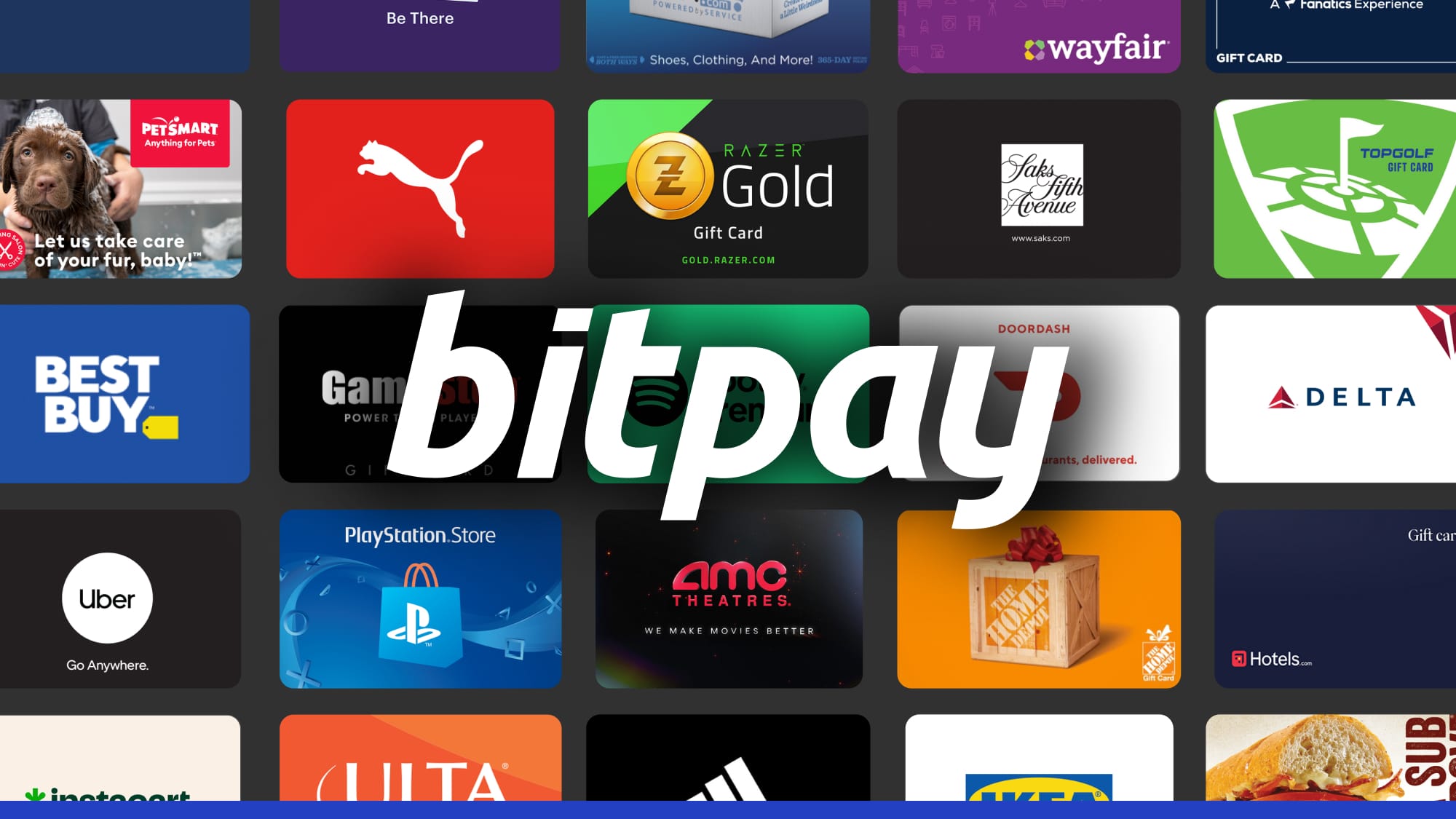
Crypto-Funded Gift Cards Make Holiday Gifting Easy

Even if your favorite brands and retailers don’t support crypto payments (yet), you can still shop gift cards for hundreds of top stores using crypto. 

The BitPay Wallet is the #1 Crypto App for Spenders

Get Started


Source link

Tags: AcceptsBitPayCryptocurrenciesExperiencePaymentUpdated
Previous Post

March 2024 Newsletter for All Things BitPay & Crypto

Next Post

Atia’s Shrine Upgrade is LIVE!

Related Posts

Busha Lists $KAITO
Blog

Busha Lists $KAITO

September 26, 2025
Busha Lists $HOME
Blog

Busha Lists $HOME

September 26, 2025
Busha Lists $PENGU
Blog

Busha Lists $PENGU

September 26, 2025
Busha Lists $ASTER
Blog

Busha Lists $ASTER

September 26, 2025
Busha Lists $HYPE
Blog

Busha Lists $HYPE

September 26, 2025
Busha Lists $WLFI
Blog

Busha Lists $WLFI

September 26, 2025
Next Post
Atia’s Shrine Upgrade is LIVE!

Atia’s Shrine Upgrade is LIVE!

Leave a Reply Cancel reply

Your email address will not be published. Required fields are marked *

  • Trending
  • Comments
  • Latest
Crypto Influencer/KOL Campaigns In 2025: Here’s What You Need To Know

Crypto Influencer/KOL Campaigns In 2025: Here’s What You Need To Know

May 23, 2025
Mythical Games Surpasses $650M in Transactions

Mythical Games Surpasses $650M in Transactions

May 9, 2025
The Codex Accessory Design Contest is LIVE!

The Codex Accessory Design Contest is LIVE!

November 28, 2025
How To Launch A Successful ICO In 2024?

How To Launch A Successful ICO In 2024?

May 29, 2024
Telegram Founder Pavel Durov Now Released on €5 Million Bail

Telegram Founder Pavel Durov Now Released on €5 Million Bail

August 29, 2024
How to Spot and Avoid Cryptocurrency Scams

How to Spot and Avoid Cryptocurrency Scams

November 11, 2024
Web3 Platform Capybobo Launches VWA Game with PYBOBO Tokens

Web3 Platform Capybobo Launches VWA Game with PYBOBO Tokens

January 10, 2026
What Cryptocurrencies Should You Trade in 2026?

What Cryptocurrencies Should You Trade in 2026?

January 9, 2026
Welcome to Origins Postseason 15!

Welcome to Origins Postseason 15!

December 24, 2025
Axie Hangouts now have animated Xmas backgrounds!

Axie Hangouts now have animated Xmas backgrounds!

December 22, 2025
Moonbirds to Launch BIRB Token on Solana in 2026

Moonbirds to Launch BIRB Token on Solana in 2026

December 14, 2025
The Origins S15 Final Era is LIVE!

The Origins S15 Final Era is LIVE!

December 11, 2025
Cryptocurrency in Gaming

Discover the latest trends, insights, and analysis in the dynamic world of crypto gaming. Stay informed with breaking news, expert commentary, and in-depth articles on blockchain-based games, tokens, and innovations.

LATEST POSTS

  • Web3 Platform Capybobo Launches VWA Game with PYBOBO Tokens
  • What Cryptocurrencies Should You Trade in 2026?
  • Welcome to Origins Postseason 15!

SITEMAP

  • Play-to-Earn Games
  • Crypto coins for gaming
  • Gaming Token
  • Crypto Wallets for Gamers
  • NFT Gaming
  • Crypto Gaming News
  • About us
  • Disclaimer
  • Privacy Policy
  • DMCA
  • Cookie Privacy Policy
  • Terms and Conditions
  • Contact us

1215 S Hope St, Los Angeles, CA 90015 info@cryptocurrencyingaming.com Copyright © 2024 - Cryptocurrency In Gaming.
Cryptocurrency In Gaming is not responsible for the content of external sites.

No Result
View All Result
  • Home
  • Play-To-Earn
  • Gaming Coins
  • NFT
  • Wallets
  • Gaming Token
  • Gaming News
  • Blog

1215 S Hope St, Los Angeles, CA 90015 info@cryptocurrencyingaming.com Copyright © 2024 - Cryptocurrency In Gaming.
Cryptocurrency In Gaming is not responsible for the content of external sites.